
How to Download and Use the FBK Markets App in Kenya
📱 Learn how to download and use the FBK Markets app in Kenya. Get tips on installation, security, and smart trading to maximise your financial opportunities.
Edited By
Charlotte Evans
In Kenya, trading apps have become a popular gateway for both seasoned investors and newcomers to engage with financial markets anytime, anywhere. These mobile applications bring the stock market, forex, and crypto trading right to your fingertips, allowing you to capitalize on opportunities without commuting to a broker's office.
Downloading and using a trading app might seem straightforward, but there are important steps and safety measures to consider to ensure you trade securely and effectively. For instance, apps that integrate with M-Pesa for deposits and withdrawals simplify managing your funds locally, making transactions swift and transparent.
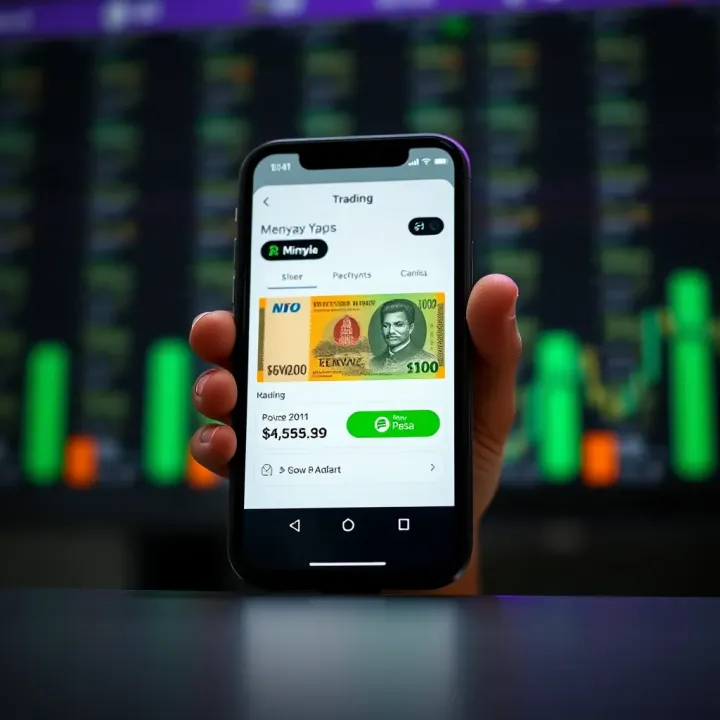
Before installing, check if the trading app is regulated or authorised by relevant Kenyan authorities like the Capital Markets Authority (CMA). Popular platforms such as Nairobi Securities Exchange (NSE)-linked apps or global brokers with local compliance provide peace of mind concerning fund security.
Consider these practical points when choosing a trading app:
Does it support KSh deposits via M-Pesa, bank transfers, or card payments?
Are its trading fees and commissions clearly stated?
Is the app user-friendly for monitoring market trends and placing orders?
Does it offer real-time data and alerts to keep you informed?
Always set up two-factor authentication (2FA) and regularly update the app to protect your account from unauthorised access.
Once installed, take time to explore demo accounts many apps provide. This allows you to practice trading without risking real money, which is handy while still new to market dynamics.
In the sections ahead, you will find detailed guidance on downloading, registering, funding your account, and executing trades safely using apps tailored for Kenyan users. With the right approach, these tools can help you manage your investments more confidently, whether trading from Nairobi's CBD or a rural town.
This hands-on approach ensures you're ready to make informed decisions, align with Kenyan financial practices, and navigate markets with growing ease.
Selecting the right trading app matters greatly for Kenyan investors. The market in Kenya has specific needs, such as compatibility with local payment methods and access to investments tied to the Nairobi Securities Exchange (NSE). Choosing an app that understands these local dynamics can save you time and reduce risks associated with unreliable platforms.
When you opt for a suitable app, you gain smoother transaction processes, straightforward navigation, and better customer support tailored to Kenyan users. For example, an app supporting M-Pesa integration allows you to fund your investment account without the hassle of international bank transfers or high fees. This choice directly impacts your ability to trade effectively and manage your portfolio with confidence.
A user-friendly interface makes a big difference, especially when starting out. The app should have clear menus, simple navigation, and easy-to-understand charts or reports. For instance, Safaricom’s M-Pesa app has a simple design that even first-time users can operate without confusion. In trading, the ability to place orders quickly and check your portfolio without button hunting can protect you from costly delays.
Access to local investments, such as NSE-listed stocks and government bonds, is vital. Kenyan traders want to invest in companies they understand or government securities that offer stable returns. The app should provide comprehensive information on these options with real-time updates reflecting Kenya’s market hours. Unlike international apps focusing on Forex or cryptocurrency, local options align better with many investors’ risk appetite and knowledge.
Since M-Pesa is the preferred mobile money service in Kenya, integration makes deposits and withdrawals faster and less expensive. A good trading app allows you to link your M-Pesa account directly to your trading wallet, eliminating the middlemen. Some platforms also support bank transfers for those with accounts at local banks like Equity Bank or KCB. Having these options means managing funds easily without waiting days for payments or facing excessive charges.
NSE-supported apps are designed with Kenya’s trading rules and calendar in mind. These apps offer direct access to NSE stocks, bonds, and sometimes derivatives, ensuring compliance with local regulations. They are usually backed by NSE and local brokerage firms, so you benefit from trustworthy services and appropriate customer support for Kenyan traders.
Some global platforms like eToro or Plus500 have started accommodating Kenyan users by providing localized payment options like M-Pesa or Kenya-based customer services. While these apps offer exposure to international markets and a wider variety of tradeable assets, they sometimes lack instant support for Kenyan tax reporting or tailored market insights. Still, they might be useful if you want to diversify beyond local stocks.
Many Kenyan traders prefer apps that offer a mix of securities—from shares and bonds to Forex pairs and cryptocurrencies such as Bitcoin or Ethereum. Apps like Binance or Paxful cater to crypto trading but often incorporate mobile money payments to ease use. Having multiple asset classes on one platform lets you switch between investments without multiple accounts. However, ensure you understand the risks of each market and pick apps with clear education resources and user protections.
When choosing a trading app, balancing local relevance with access to diverse markets and secure payment methods makes your trading journey smoother and more productive.
Getting started with trading in Kenya hinges on correctly downloading and setting up a reliable trading app. This step-by-step guide walks you through the process, making it easier to avoid common pitfalls like fake apps or incomplete setups. For traders, investors, or financial analysts, following these steps ensures you enter the market safely and access all the app features designed for the Kenyan investment environment.
The first source to consider when downloading trading apps is either the Google Play Store (for Android devices) or the Apple App Store (for iOS devices). These platforms vet apps to a certain extent, reducing the chances of installing malicious software. Before hitting 'install,' check the developer's details—official apps like the NSE Mobile App or the one from KCB Securities will display clean, professional profiles and a high number of downloads.
Always look at user reviews to see if others face issues or report scams related to the app. For example, if multiple reviews highlight unexpected charges or missing features, it's a sign to avoid that app.
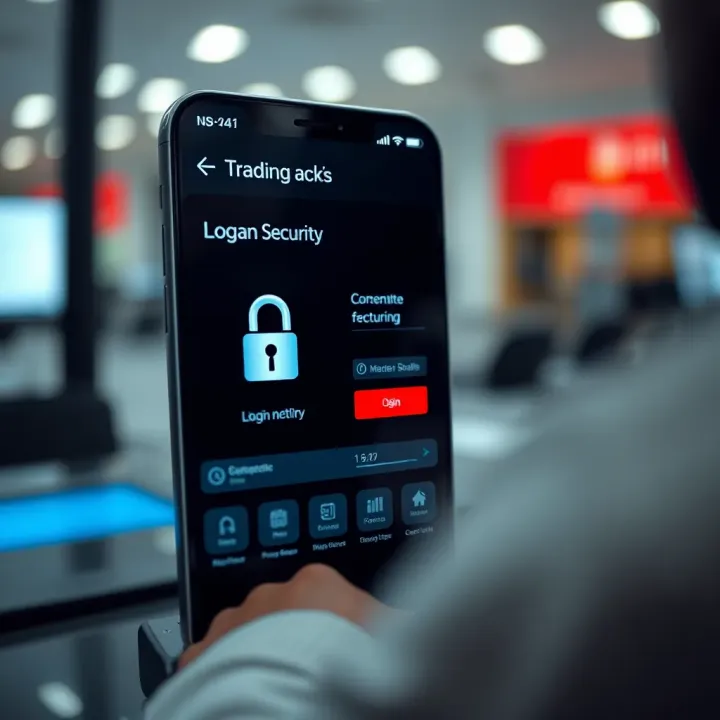
Malicious apps can mimic popular trading platforms but are designed to steal your data or money. In Kenya, such scams can come through unofficial websites or SMS links promising quick downloads. It’s safer to avoid downloading apps from third-party websites or links shared on WhatsApp groups.
Verify the app’s icon, developer name, and update history against official websites or trusted tech news sources. For instance, a legitimate trading app should update regularly with security patches. If the app hasn’t updated for more than six months, exercise caution.
After downloading, you’ll typically register by providing personal information such as your full name, phone number, and email. This helps the app verify your identity. Kenyan regulations require traders to comply with know-your-customer (KYC) rules, so accuracy is key here to avoid verification delays.
Some apps may ask for a selfie or scanned documents. Take time to scan or photograph these clearly, as blurry submissions often cause rejections.
Linking your Kenya Revenue Authority (KRA) PIN or National ID number is a regulatory must when registering on trading apps. This step is meant to verify your tax status and helps in reporting your investment income properly.
Keep your PIN and ID close for quick entry. If you don’t have your KRA PIN handy, you can retrieve it from the iTax portal before starting.
Most Kenyan trading apps integrate M-Pesa or local bank accounts for easy deposits and withdrawals. Connecting these payment channels upfront lets you fund your trading wallet without hassle.
You’ll usually be prompted to enter your M-Pesa till or paybill number, or link your bank details securely through encrypted processes. Always double-check the numbers you input; a single digit error could send funds to the wrong account.
Starting your trading journey on the right foot means all these steps are done carefully. Verifying app authenticity and setting up your profile correctly ensures smooth trading without surprises.
By following this guide, you protect yourself from scams and position your portfolio for steady growth using trusted, Kenyan-focused trading platforms.
Security and privacy are central when using trading apps in Kenya. These apps handle sensitive information like your identification, bank details, and investment data. A strong security framework protects you from theft, identity fraud, and unauthorised access to your account. Without proper precautions, traders risk losing funds and personal information, which can be costly and stressful.
Trading apps use encryption to keep your data safe during transmission and storage. Encryption converts your personal details into coded text that only the app’s server can decode. For example, apps employ Transport Layer Security (TLS) protocols, the same tech banks use, to ensure that whether you’re sending your KRA PIN or making a transaction via M-Pesa, the data can't be sniffed or intercepted over public networks.
This means even if someone tries to hack into your connection on a public hotspot or slow internet, the information remains unreadable. Trustworthy trading platforms implement end-to-end encryption so your login credentials and financial transactions stay private. Without this, your critical data could be exposed to cybercriminals.
Two-Factor Authentication adds an extra layer of security beyond just a password. Once you key in your username and password, the app requires a second verification step – usually a code sent to your mobile phone or email. This step is vital in Kenya, where many people use mobile devices for trading, and passwords alone can be vulnerable.
2FA reduces the chance of account takeovers, especially if your password is compromised. For instance, even if someone guesses your login details, they can’t access your account without the temporary code sent to your phone. Kenyan trading apps like those linked to NSE or Safaricom’s M-Pesa often prompt users to enable 2FA, and using this is a simple way to guard against unauthorised trades or withdrawals.
Fraudulent messages are a top risk for traders in Kenya. Scammers send fake SMS or WhatsApp texts impersonating your trading platform or bank, asking for login details or prompting you to click suspicious links. These messages may claim you’ve won a prize or your account is at risk to lure you into sharing personal information.
Always verify such messages by visiting the official app directly, not through links. For example, if a message claims you must update your profile urgently, log in through the authentic app or website instead of replying or following the link. Keeping your app updated also helps detect and block phishing attempts.
Only trade through officially recognised apps or platforms. Unofficial channels, whether a dodgy app, website, or social media page, increase the risks of scams and fund loss. A common trick is fake apps mimicking popular platforms like NSE mobile or international brokers, sometimes available on third-party sites.
Avoid downloading apps outside Google Play Store or Apple App Store and always check for proper licensing. If an app asks for excessive permissions or guarantees unrealistic returns, be cautious. Authentic Kenyan trading platforms have clear regulatory backing and often provide customer support through official contacts.
Remember, protecting your data and avoiding scams isn't just about technology; staying vigilant and informed plays a huge role in securing your trading activities.
Starting to trade using an app is a critical step for anyone keen on navigating Kenya's financial markets. Mobile trading apps put the power of investment right in your palm, whether you're tracking shares on the Nairobi Securities Exchange (NSE), dabbling in forex, or exploring cryptocurrency opportunities. Knowing how to use these platforms confidently helps you make smarter choices while avoiding costly mistakes.
Trading apps typically offer a range of financial instruments. Shares represent ownership in a company, so buying NSE-listed stocks like Safaricom or Equity Bank means you own a small part of those firms. Bonds work differently—they're loans you give to governments or companies, and they pay you interest over time. In Kenya, government bonds are popular because of their relative safety compared to shares.
Forex (foreign exchange) involves trading one currency against another, like the Kenyan shilling against the US dollar. This market is highly liquid but can be volatile, so it demands attention. Cryptocurrencies such as Bitcoin and Ethereum are also gaining traction on some apps, though they're riskier and require careful study before investing.
Understanding how orders work can save you money. A market order buys or sells immediately at the current price, suitable if you want a quick deal. A limit order, on the other hand, sets a specific price at which you want to trade, helping you avoid paying too much or selling too cheaply.
Trading strategies vary widely—some go for day trading, making quick buys and sells throughout the day, while others prefer a long-term approach, holding investments for months or years. As a beginner, it helped a colleague to start with simple buy-and-hold tactics, monitoring how their shares performed over weeks before trying more complex moves.
Before trading, define what you want to achieve. Whether your aim is to build a steady retirement fund or earn extra income to support daily expenses, having clear goals keeps your choices grounded. For instance, expecting to double your money overnight is unrealistic and can lead to poor decisions.
Keep a close eye on your investments using the app’s portfolio feature. Regularly checking your holdings helps you spot gains or losses early, allowing you to react appropriately. If Safaricom’s share price drops due to market shifts or company news, timely action can save you from bigger losses or capitalise on buying opportunities.
Most trading apps offer alerts for price changes, news updates, or portfolio milestones. Setting alerts ensures you never miss crucial movements without staring at your screen all day. Moreover, analytics tools help interpret trends, showing you patterns that might guide your next move. For example, an app might highlight a sudden increase in forex volatility, signalling a good time to review your currency trades.
Smart trading isn't about luck but staying informed and disciplined. Leveraging built-in tools makes the process more manageable and less stressful.
Getting started this way sets the stage for more confident trading, ultimately improving your chances to grow your investments wisely in Kenya’s fast-evolving markets.
Kenyan traders and investors rely heavily on smooth payment and withdrawal processes to effectively manage their trading activities. Making payments and withdrawing profits through local platforms ensures quick access to funds and convenience, especially when apps integrate popular payment options like M-Pesa. Knowing how to link these payment methods and understanding the rules around transactions helps you avoid delays and unexpected charges while trading.
To start trading seamlessly, you need to connect your M-Pesa account or local bank account to your trading app. The process is straightforward: after logging into your app, navigate to the payment or wallet section, then select the option to link a new account. For M-Pesa, you usually enter your phone number registered with Safaricom, followed by a prompt to authorise the connection via a PIN or an OTP (one-time password). Linking bank accounts may require you to provide your account number and bank name, sometimes supported by additional verification like an SMS code.
This integration allows you to make deposits and withdrawals directly without moving between platforms. For instance, several trading apps like Sterling Trader and Efg Hermes Kenya offer direct M-Pesa linkage, making deposits instant and hassle-free.
Kenyan trading apps often impose daily and monthly transaction limits, especially on mobile money wallets. For example, M-Pesa typically limits transactions to a maximum of KSh 150,000 per day, which trading apps enforce to comply with Safaricom’s policies and regulatory guidelines. Knowing these limits helps you plan your trades and deposits effectively.
Additionally, transaction fees vary depending on the payment method and the app. Deposits through M-Pesa may attract small charges — usually below 1% of the deposit amount — while bank transfers might have fixed fees or none at all depending on the bank’s policy. Reading the fee schedule within your chosen app can save you from surprises and allow you to factor in these costs when setting your trading budget.
Once you earn profits, withdrawing them promptly is key. Most Kenyan trading apps process withdrawal requests within 24 to 48 hours, though weekends and public holidays can extend this. Withdrawals to M-Pesa accounts usually clear faster than bank transfers, which might take up to three business days depending on the bank.
Charges for withdrawing funds can vary: some apps deduct a flat fee per withdrawal, while others charge a percentage. For example, EFG Hermes Kenya charges around KSh 150 for an M-Pesa withdrawal but higher when withdrawing to bank accounts. It’s advisable to review and compare withdrawal fees across apps if you expect frequent cashouts.
Kenyan law requires that profits from trading activities be declared for tax purposes. The Kenya Revenue Authority (KRA) expects individual investors and traders to report their gains and pay capital gains tax where applicable. Many trading apps provide transaction reports and summaries that help you keep track of earnings and losses.
If you withdraw profits frequently, keeping proper records is crucial for easy filing during KRA assessments. Some apps also offer integration with iTax, Kenya’s online tax platform, simplifying the reporting process. Staying compliant protects you from penalties and helps you plan your finances better.
Linking your payment methods correctly and understanding withdrawal rules ensure smooth trading experiences and protect you from unexpected fees or legal issues. Always read the payment sections within your trading app carefully before proceeding.
By following these steps and being aware of local payment norms, Kenyan traders can focus more on growing their investments and less on payment hassles.
📱 Learn how to download and use the FBK Markets app in Kenya. Get tips on installation, security, and smart trading to maximise your financial opportunities.
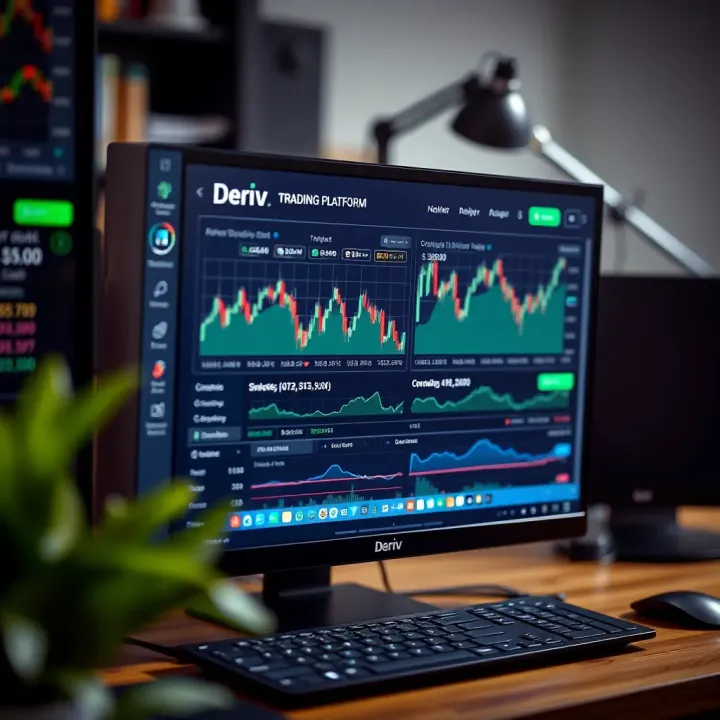
📥 Learn how to download and install the Deriv app on your PC with easy steps, system needs, safe tips and benefits tailored for Kenyan traders starting with Deriv today.
📊 Explore how derivative trading works in Kenya’s markets, the types involved, regulation, risks, and practical investor tips to navigate this complex area wisely.
📊 Master demo trading accounts to practise safely without risking KSh. Learn how to pick the best demo account for Kenyan markets and avoid common mistakes.
Based on 8 reviews